


-
Networks
-
Receivers & Accessories
-
Security
-
Powerline
-
Repeater
-
Switch
-
Terrestrial Receivers
-
Wi-Fi Mesh Products
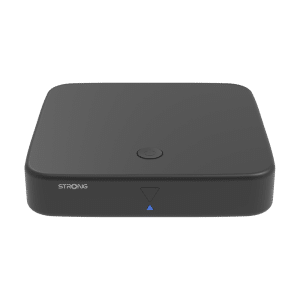
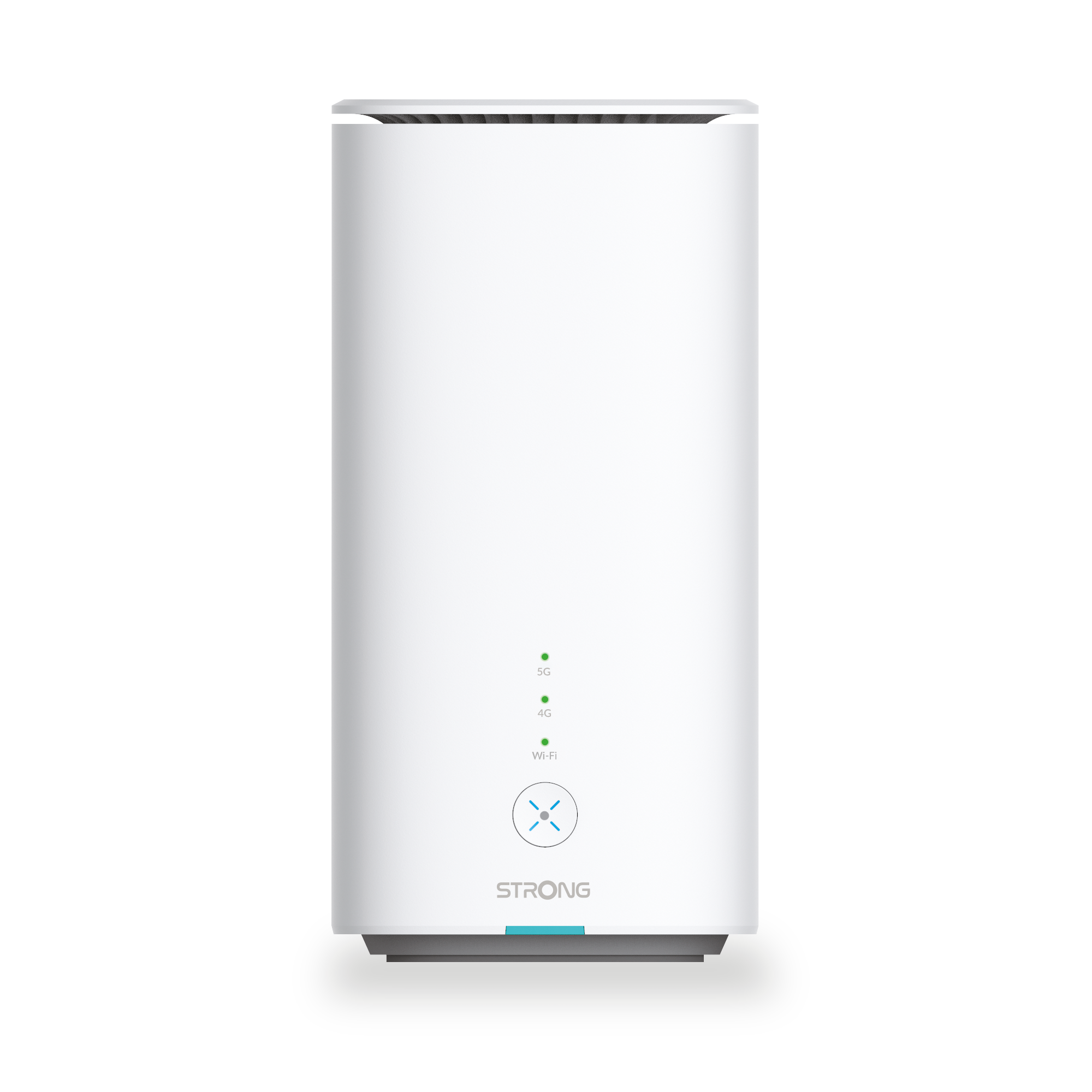
Mobile Broadband
-
4G LTE Router 350 UK
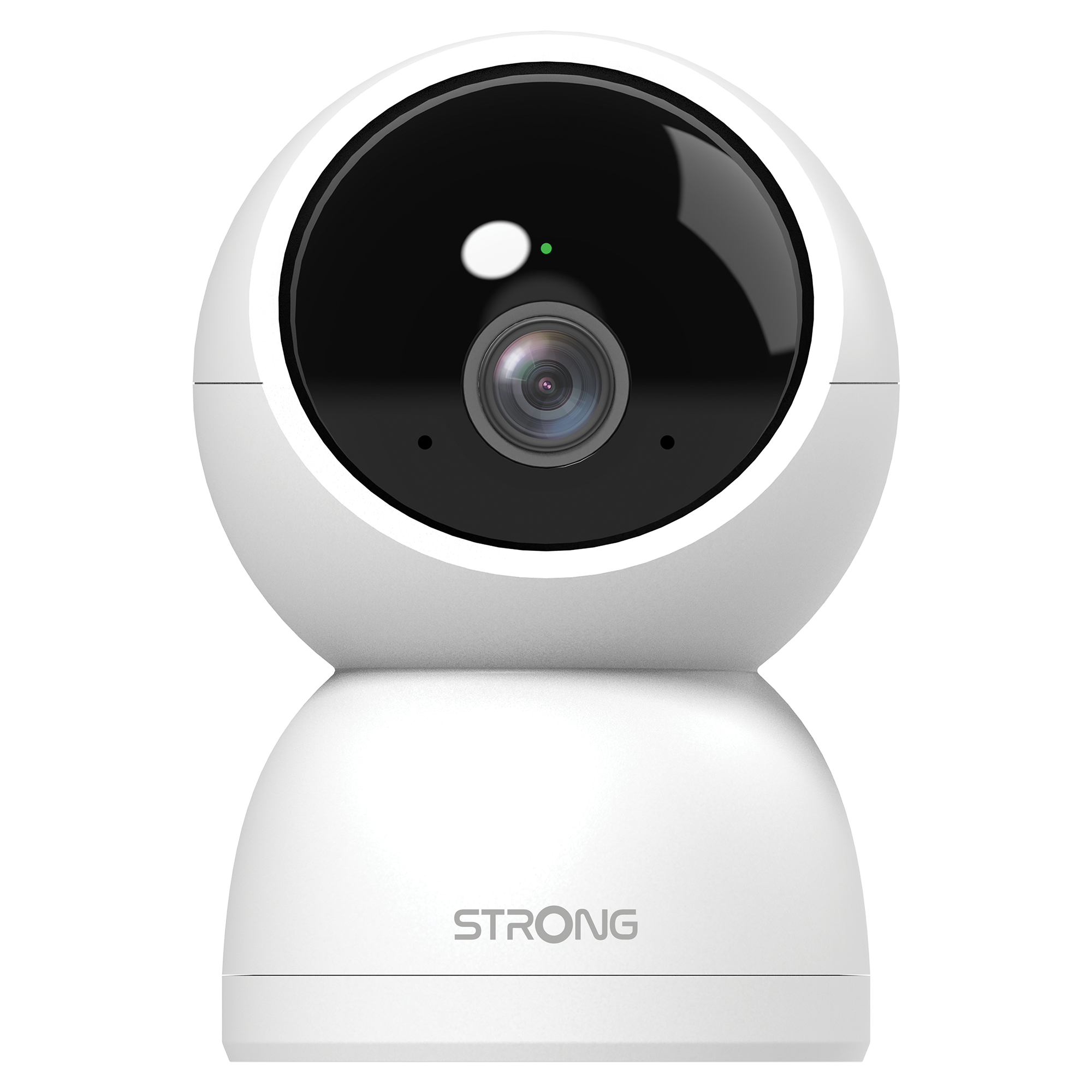
Smart Home Camera

Business Solutions
-
Powerline 1000 Triple FR V2
-
Powerline 1000S Duo EU
- Can I connect Powerlines of different brands and data rates to my network?
- Connect all your bandwidth hungry wired devices to the Internet using your existing electrical wiring!
- Do not waste your power outlets! Use the extra noise filtered power socket!
- Expand your Powerline network to any room of your home by adding Powerline 1000 adapters!
- How many Powerline 1000 can I connect to the same network?
- How to add a new strong powerline product to your existing powerline network with High Security Level 1?
- How to choose the right high security level configuration for your powerline network?
- How to configure new powerline products with High Security Level 2 on your existing powerline network?
- How to configure your powerline network with High Security Level 1?
- How to set up High Security Level 2 on your powerline products?
- I do not have access to the Internet and/or the LED of the "home" icon does not light up.
- I receive Internet via fibre, is a Powerline 1000 suitable?
- Internet everywhere from any power socket!
- The easiest solution for your IPTV connection!
- The Internet speed is much lower at the output of the powerline network compared to the speed at the output of the Internet service provider's box. Why?
- What do the icons and LEDs on the Powerline mean?
- Why do the Powerlines switch off on their own?
-
Powerline 1000S Duo FR
- Како подесити High Security Level 2 на вашим powerline производима?
- Како изабрати одговарајућу high security level configuration за своју powerline мрежу?
- Како да додаш нови strong powerline производ у постојећу powerline мрежу са High Security Level 1?
- Како да конфигуришеш своју powerline мрежу уз High Security Level 1?
- Како конфигурисати нове powerline производе са High Security Level 2 на постојећој powerline мрежи?
- Не троши своје утичнице! Користи додатну утичницу са филтером шума!
-
Powerline 600 Duo Wi-Fi EU V2
- Can I connect Powerlines with different brands and data rates to my network?
- Can I disable the Wi-Fi function of the Wi-Fi module so that it works as a simple Powerline?
- Can I repeat the Wi-Fi network of the Internet box with the Powerline 600 Wi-Fi?
- Connect all your bandwidth hungry wired devices to the Internet using your existing electrical wiring!
- Create a high-speed home network of up to 500 Mbps in the blink of an eye by using your existing electrical wiring!
- Create a new Wi-Fi Hotspot at a speed up to 300 Mbps in minutes by using your existing electrical wiring and any power socket!
- Do not waste your power outlets! Use the extra noise filtered power socket!
- Expand your Powerline network to any room of your home by adding Powerline 600 adapters!
- How do I change the SSID name and password of the Powerline 600 Wi-Fi network?
- How many Powerline 600 can I connect to the same network?
- How to add a new strong powerline product to your existing powerline Wi-Fi network with High Security Level 1?
- How to choose the right high security level configuration for your powerline network?
- How to configure new powerline products with High Security Level 2 on your existing powerline Wi-Fi network?
- How to configure your powerline Wi-Fi network with High Security Level 1?
- How to set up High Security Level 2 on your powerline products?
- I cannot connect to the user interface via the URL: http://strong.500.ap or the IP address: 192.168.1.254
- I do not have access to the Internet and/or the LED of the "home" icon does not light up.
- I receive Internet via fibre, is a Powerline 600 suitable?
- Internet everywhere from any power socket!
- The easiest solution for your IPTV connection!
- The home icon LED is lit on the Wi-Fi adapter, but I cannot connect to the Wi-Fi network of the Powerline 600.
- The Internet speed is much lower at the output of the powerline network compared to the speed at the output of the Internet service provider's box. Why?
- What do the icons and LEDs on the Powerline mean?
- Why do the Powerlines switch off on their own?
- Why is my 2.4GHz Wi-Fi experiencing interruptions, and how can changing the channel to 1, 6, or 11 help?
-
Powerline 600 Triple Wi-Fi EU V2
- Can I connect Powerlines with different brands and data rates to my network?
- Can I disable the Wi-Fi function of the Wi-Fi module so that it works as a simple Powerline?
- Can I repeat the Wi-Fi network of the Internet box with the Powerline 600 Wi-Fi?
- Connect all your bandwidth hungry wired devices to the Internet using your existing electrical wiring!
- Create a high-speed home network of up to 500 Mbps in the blink of an eye by using your existing electrical wiring!
- Create a new Wi-Fi Hotspot at a speed up to 300 Mbps in minutes by using your existing electrical wiring and any power socket!
- Do not waste your power outlets! Use the extra noise filtered power socket!
- Expand your Powerline network to any room of your home by adding Powerline 600 adapters!
- How do I change the SSID name and password of the Powerline 600 Wi-Fi network?
- How many Powerline 600 can I connect to the same network?
- How to add a new strong powerline product to your existing powerline Wi-Fi network with High Security Level 1?
- How to choose the right high security level configuration for your powerline network?
- How to configure new powerline products with High Security Level 2 on your existing powerline Wi-Fi network?
- How to configure your powerline Wi-Fi network with High Security Level 1?
- How to set up High Security Level 2 on your powerline products?
- I cannot connect to the user interface via the URL: http://strong.500.ap or the IP address: 192.168.1.254
- I do not have access to the Internet and/or the LED of the "home" icon does not light up.
- I receive Internet via fibre, is a Powerline 600 suitable?
- Internet everywhere from any power socket!
- The easiest solution for your IPTV connection!
- The home icon LED is lit on the Wi-Fi adapter, but I cannot connect to the Wi-Fi network of the Powerline 600.
- The Internet speed is much lower at the output of the powerline network compared to the speed at the output of the Internet service provider's box. Why?
- What do the icons and LEDs on the Powerline mean?
- Why is my 2.4GHz Wi-Fi experiencing interruptions, and how can changing the channel to 1, 6, or 11 help?