
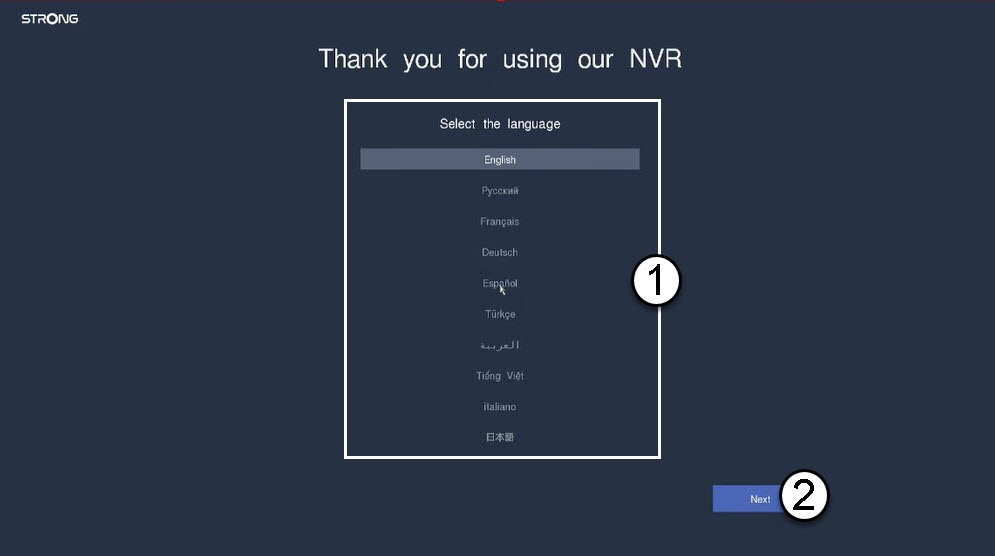


Warning: Please write down the password you set up. You will need it to connect to the UI.

 Dansk
Dansk
 Български(Bulgarian)
 Hrvatski(Croatian)
 Čeština(Czech)
 Nederlands(Dutch)
 English
 Suomi(Finnish)
 Français(French)
 Deutsch(German)
 Magyar(Hungarian)
 Italiano(Italian)
 Norsk bokmål(Norwegian Bokmål)
 Polski(Polish)
 Português(Portuguese, Portugal)
 Română(Romanian)
 српски(Serbian)
 Slovenčina(Slovak)
 Slovenščina(Slovenian)
 Español(Spanish)
 Svenska(Swedish)
 Українська(Ukrainian)
Warning: Please write down the password you set up. You will need it to connect to the UI.