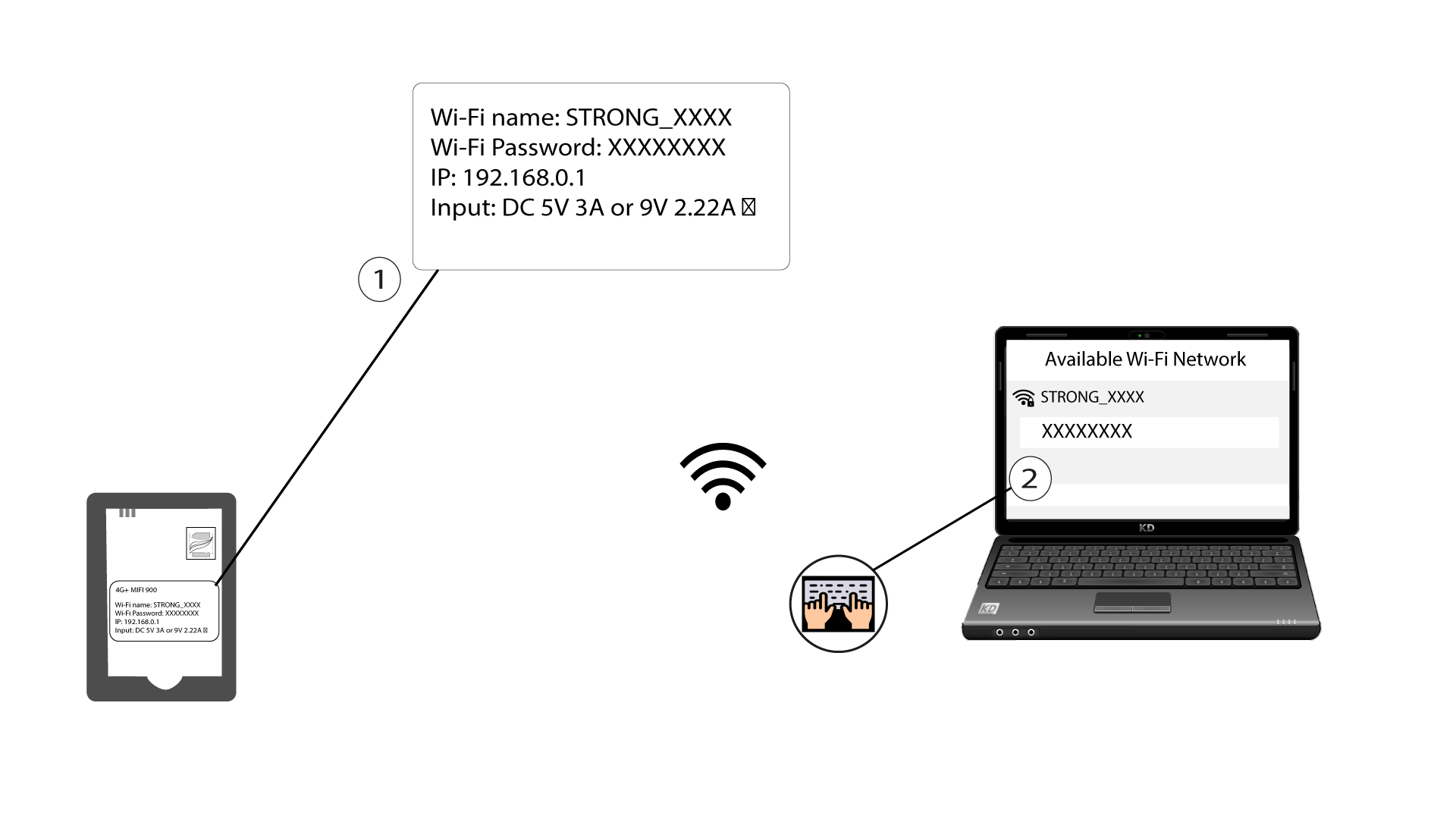
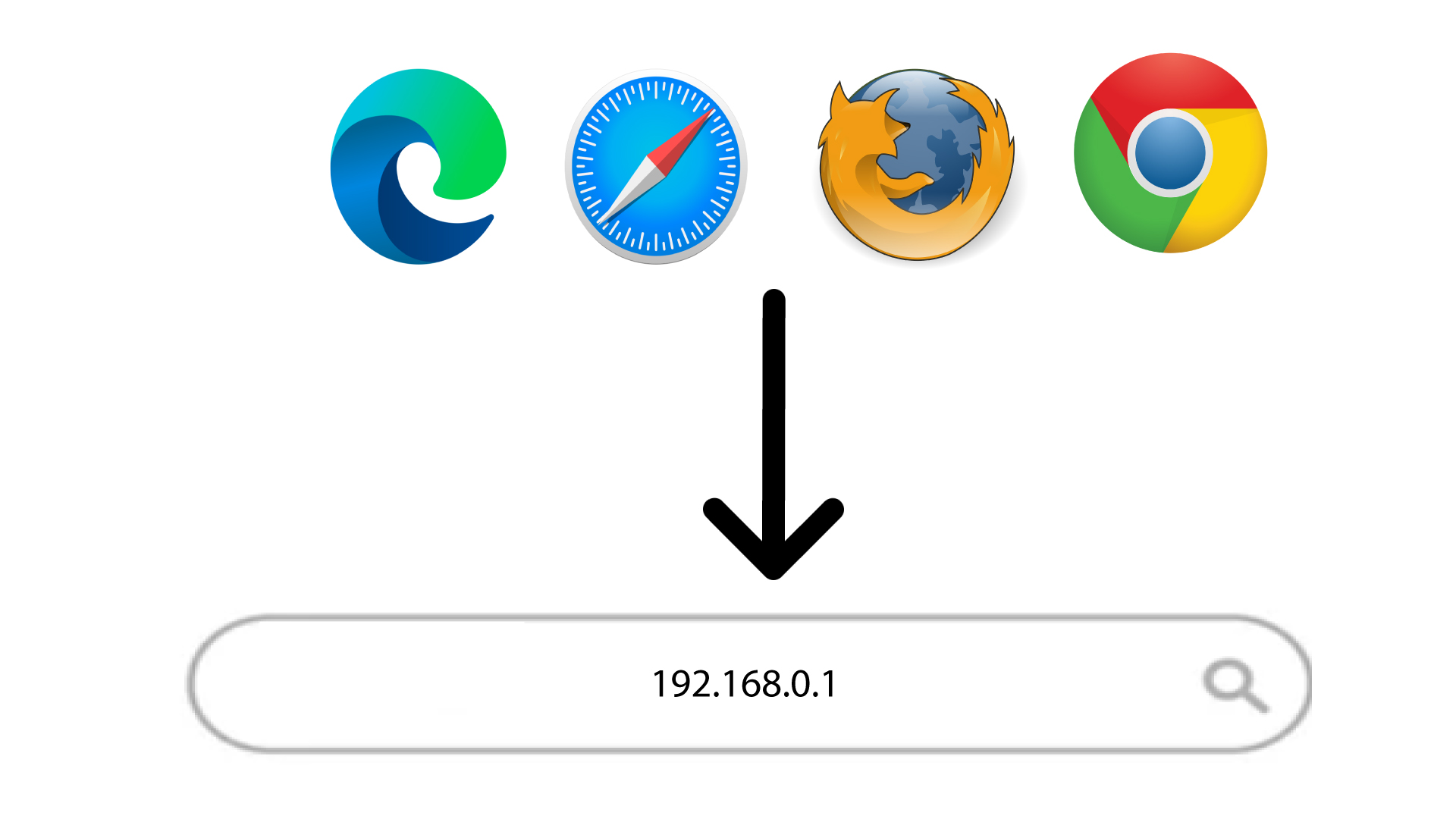
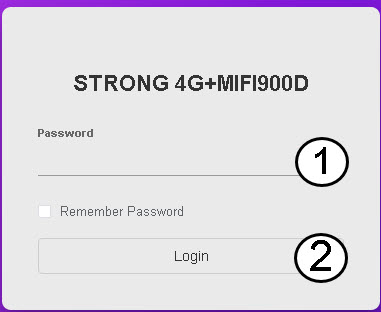
How do I access the Web UI?

 Norsk bokmål
 Български(Bulgarian)
 Hrvatski(Kroatisk)
 Čeština(Czech)
 Dansk(Danish)
 Nederlands(Nederlandsk)
 English(Engelsk)
 Suomi(Finsk)
 Français(Fransk)
 Deutsch(Tysk)
 Magyar(Ungarsk)
 Italiano(Italiensk)
 Polski(Polsk)
 Português(Portugisisk (Portugal))
 Română(Rumensk)
 српски(Serbisk)
 Slovenčina(Slovak)
 Slovenščina(Slovensk)
 Español(Spansk)
 Svenska(Swedish)
 Українська(Ukrainsk)
 United Kingdom