How should I organize my Mesh Network to optimize my Wi-Fi network?
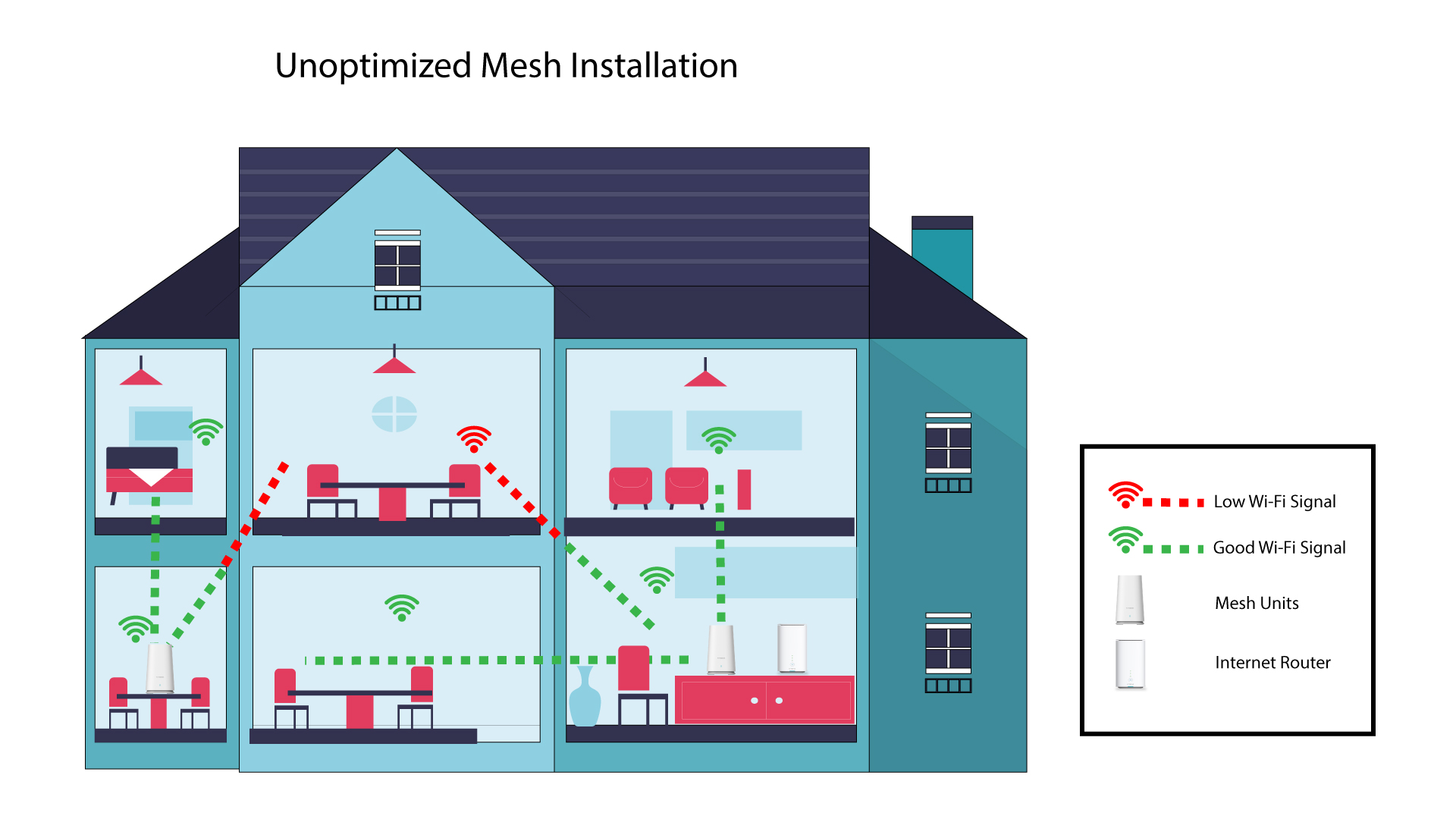
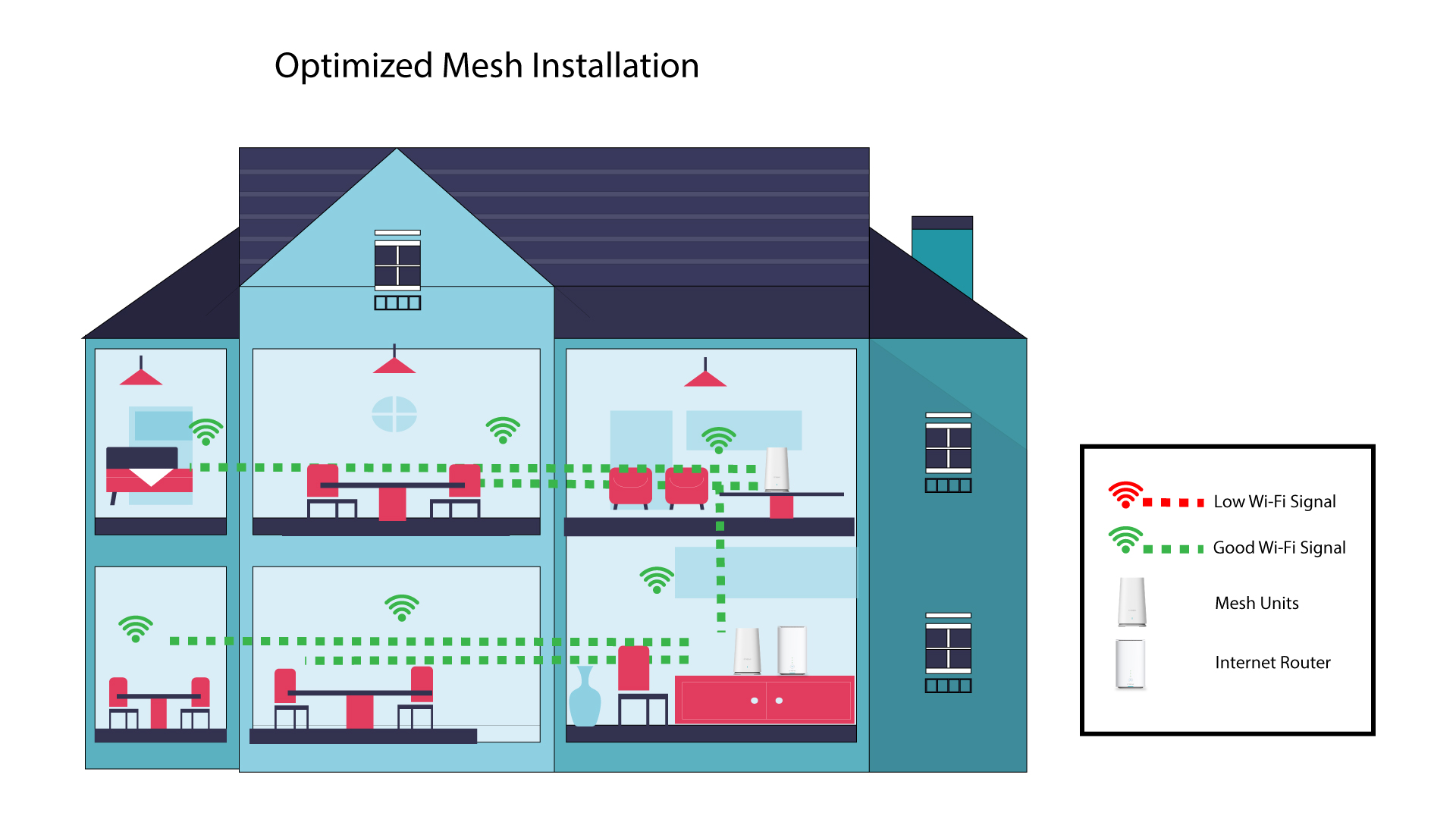
To optimize you coverage you should install the mesh in the location where you have coverage issues in order to cover the widest area possible in your home.
Please make sure that the mesh units are not located in a room where there is a load bearing wall, as the wall is thicker the Wi-Fi signal can have issues getting through it.
1 Unoptimized Mesh Installation
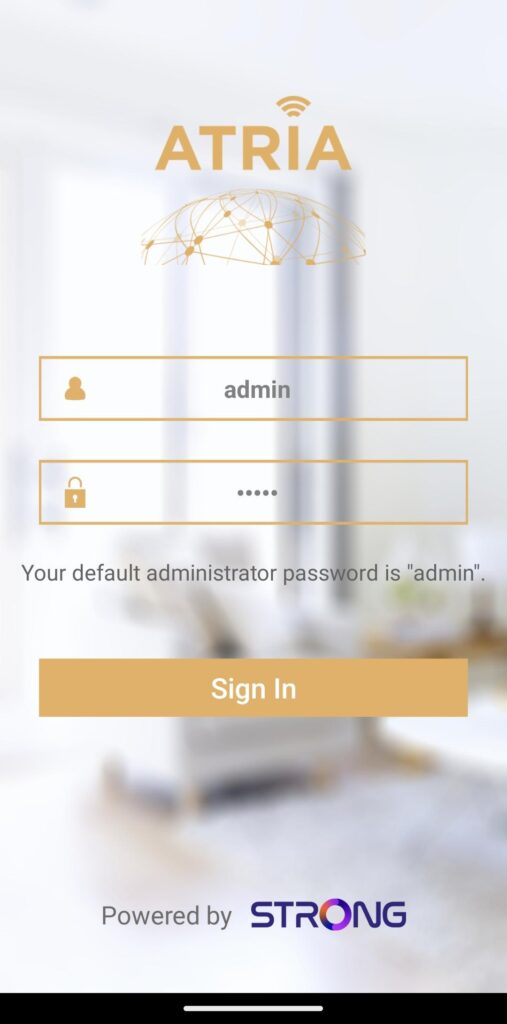
1 Atria Mesh App
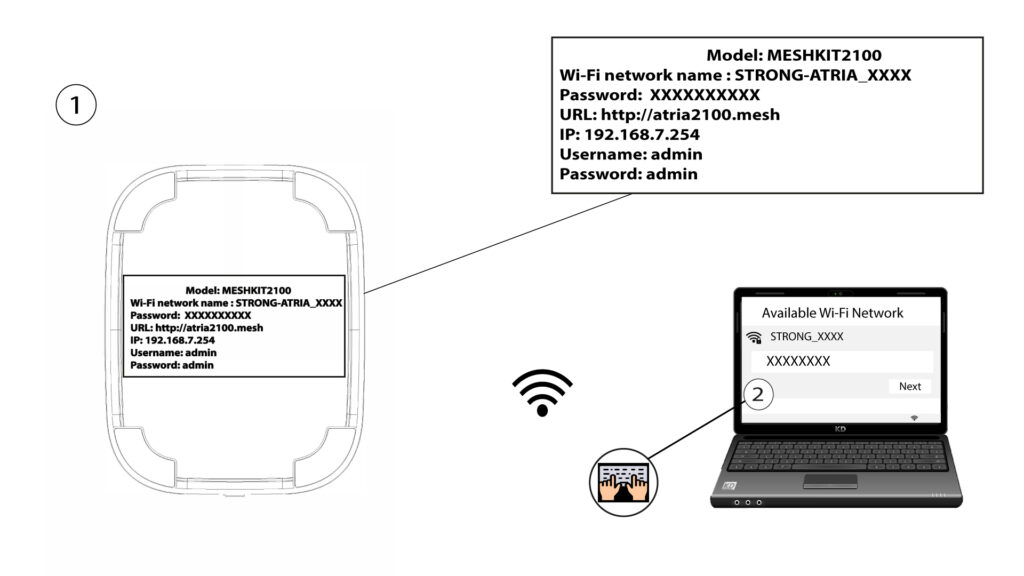
2 Connexion to the Wi-Fi
Connect to the Wi-Fi of your mesh unit.
3 Credentials
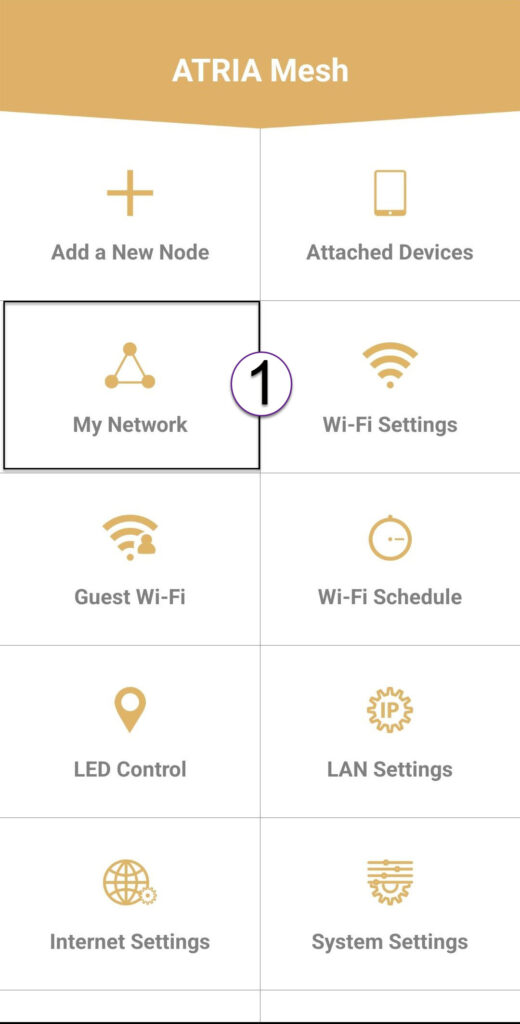
4 My Network
Click My Network.
5 Name of the Mesh
You will see the name of the mesh units you configured on your network.
Click on the name of the mesh unit to access its information.
6 Name
Click on the name field.
7 Change controller name
Enter a new name and click Save:
- The mesh controller should be named like this: MeshAX3000-Main- Nameoftheroom
- The mesh agents should be named like this: MeshAX3000-Nameoftheroom
Warning: If the mesh unit appears in grey it means that it is not providing enough coverage and that you should adjust its location to optimize the mesh network.